Farm Sprayer GPS
A simple coverage map for spraying, spreading, tillage and planting, on the phone, tablet or PC you already own.
A simple coverage map for spraying, spreading, tillage and planting, on the phone, tablet or PC you already own.
Farm Sprayer GPS turns your Android, iOS or Windows phone, tablet or PC into a simple coverage map for spraying, spreading, tillage and planting. Enter your boom or implement width, tap Start, and the app paints the ground you have covered as you drive, counts the acres, and shows where passes overlap. One price, no subscription, no dealer, no monitor to buy.
Phones and tablets running Android 8 and newer. Pairs with Bluetooth GPS receivers through Android's location settings.
Get it on Google PlayWorks on iPhone and on iPad. Cellular iPads include GPS; Wi‑Fi only iPads need an external receiver.
Download on the App StoreFree on the Microsoft Store. Most PCs have no GPS built in, so plan on a USB or Bluetooth receiver such as our antenna below.
Get it from MicrosoftThe same job on a phone, a tablet and a laptop. Finished jobs can be backed up to the cloud and opened in any of the apps.
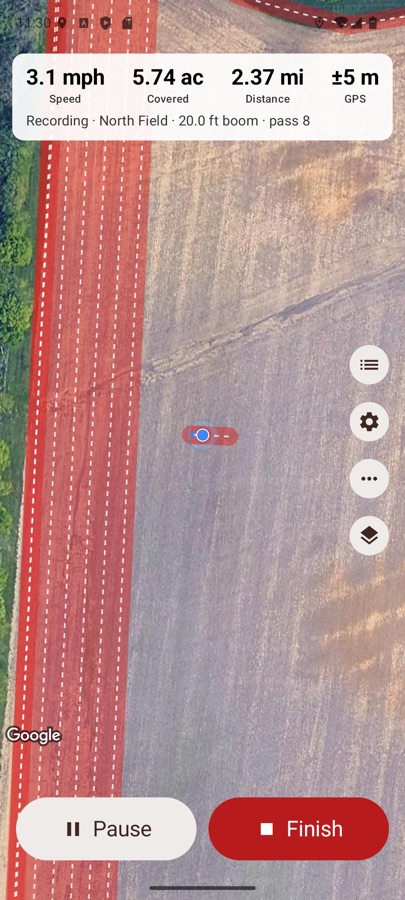
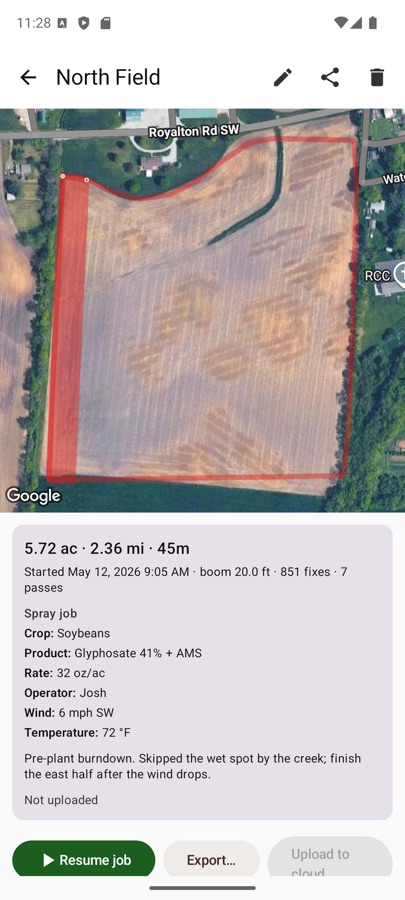
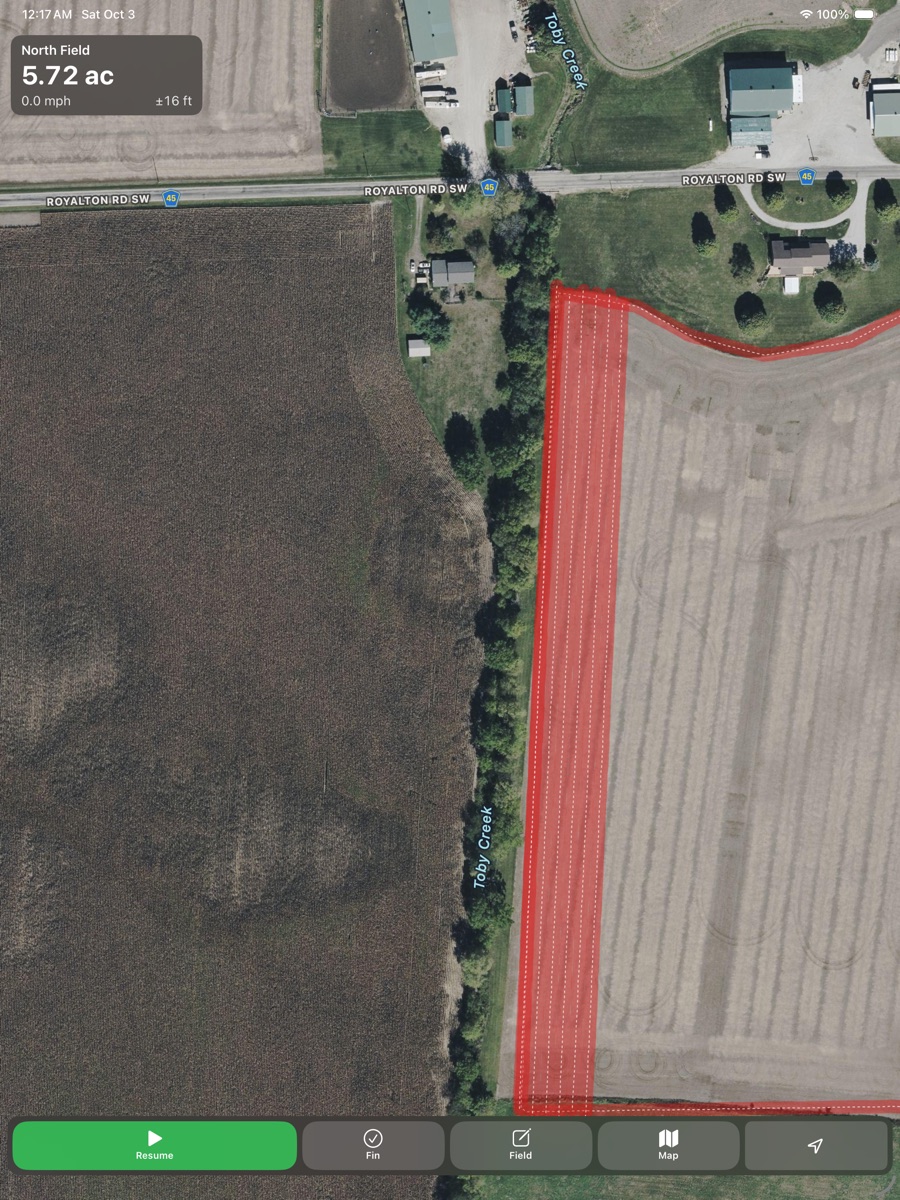
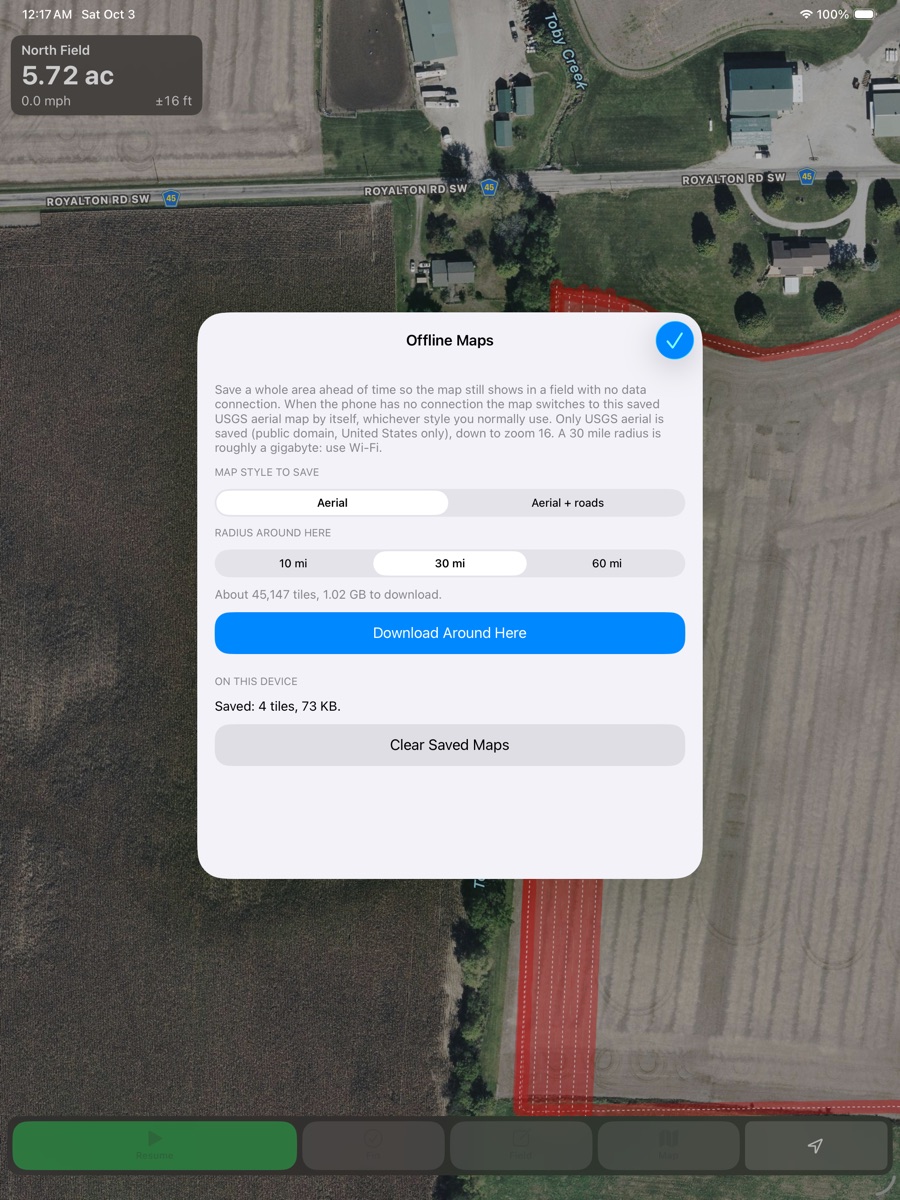
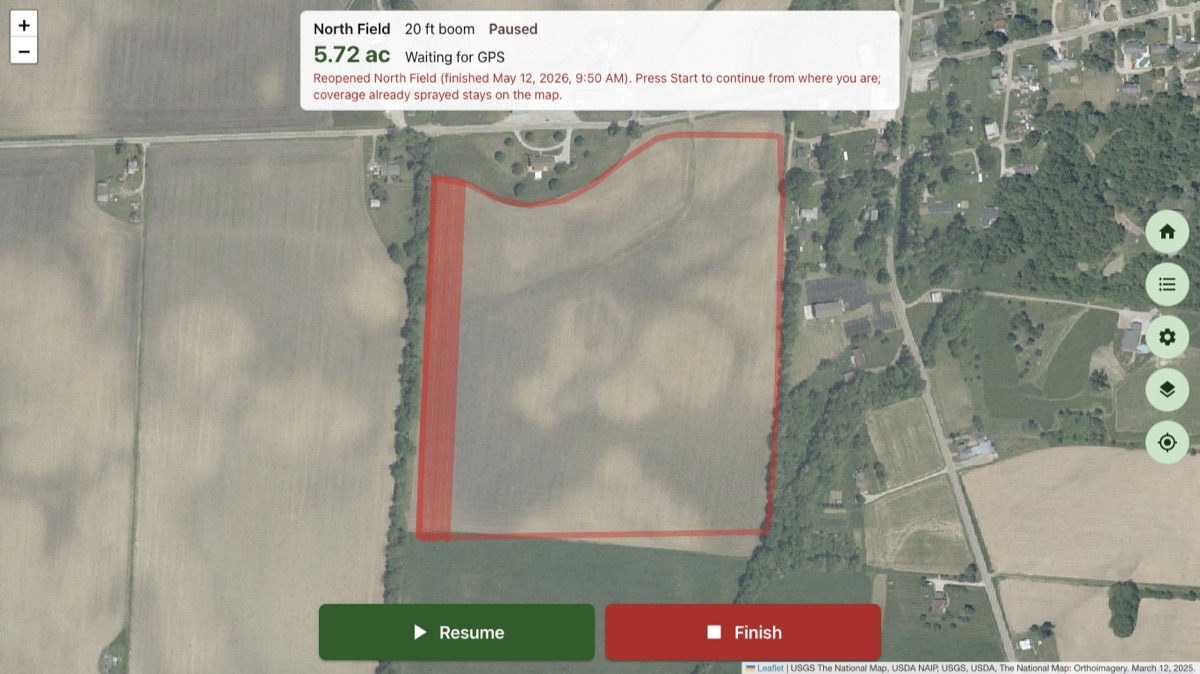
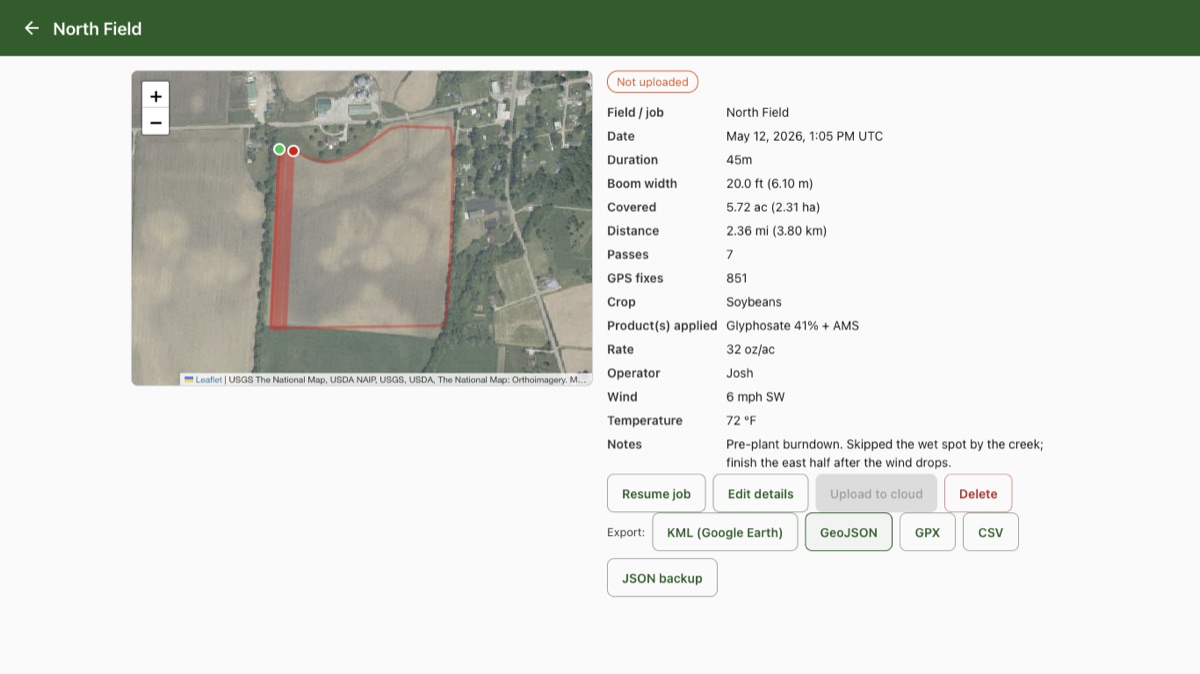
Everything below is included in the app. There are no add-ons, upgrades or yearly fees.
Phone GPS is fine for getting started. For tighter passes, a Wi‑Fi only tablet, or a Windows laptop with no GPS at all, pair our external Bluetooth GPS antenna. It is a Bluetooth receiver that works with Farm Sprayer GPS on Android, iOS and Windows, and buying one helps support the project.
Order the antenna straight from Macon Apps with secure checkout through Stripe. This is the same link found on the Antenna / More screen in the app.
Order the ReceiverCheck out our full GPS kit with tablet and receiver on eBay: everything you need to run Farm Sprayer GPS in the cab, ready to go.
View the Kit on eBayPhone and tablet GPS can be off by several meters. The external receiver gives the best results. Continuous GPS use shortens battery life. Coverage is calculated from the GPS track and your boom width: it is a record of where you drove, not a survey.
Our product support team is ready to assist with the apps and the receiver.
Get Product Support